Multi-Discipline Supports
User Guide
Hangers : Create a Hanger : Using the Filters
 |
 |
||
 |
 |
||
 |
 |
||
 |
 |
||
 |
 |
||
 |
View: enables the user to display the standard data sheets for the selected hanger.
View Config: displays a 3D view of the selected hanger configuration to enable early model appreciation of the configuration selected.
 filter (single-hanger connected to a beam). The application prompts the user to identify the item the user want to support.
|
Note:
|
At any stage, the user can press the Esc key to escape the application prompt.
|
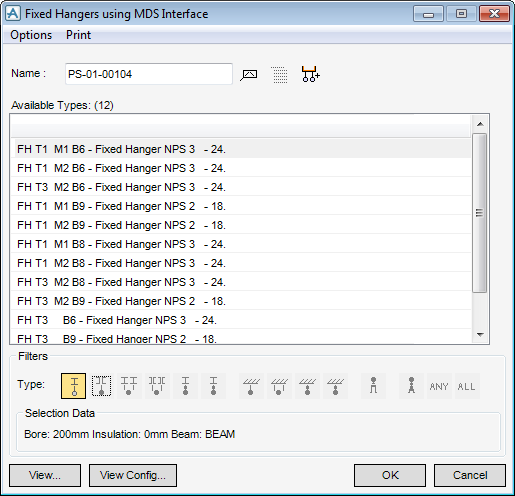
The window displays a filtered list containing only the hanger configurations that meet the selection criteria (Figure 5:1.: Filtered Hanger configurations window).
|
Figure 5:1.
|
|
3.
|
Enter the hanger name in the Name input field. The user can also use the auto-naming feature by clicking the AutoName icon
 . . |
|
4.
|
Click OK.
|
