Multi-Discipline Supports
User Guide
Using the MDS Application : Special Supports
|
•
|
To create a special support, on the Supports tab, in the Create group, click Special to display the Special Support window.
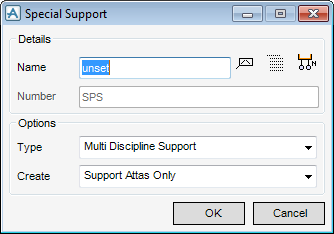
Enter a Number, this functionality is not normally required, and is usually deactivated
Select the Type.
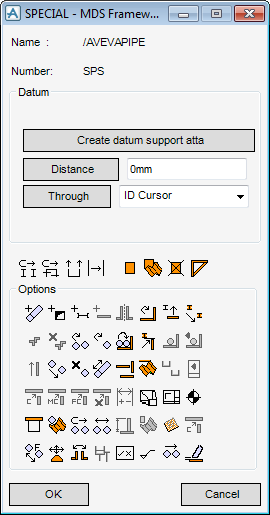
Click OK.
For an overview of the options icon functions refer to the table in Modify a Support. The other seven icons are explained in Create a Project Special Support to Move an HVAC Project Special Joint or SCTN.
