Multi-Discipline Supports
User Guide
Using the MDS Application
: Change the Size of the Steelwork
Change the Size of the Steelwork
To modify the size of the steelwork:
1.
Select the Set Steelwork Size window (
Figure 2:4.: Set Steelwork Size window
).
2.
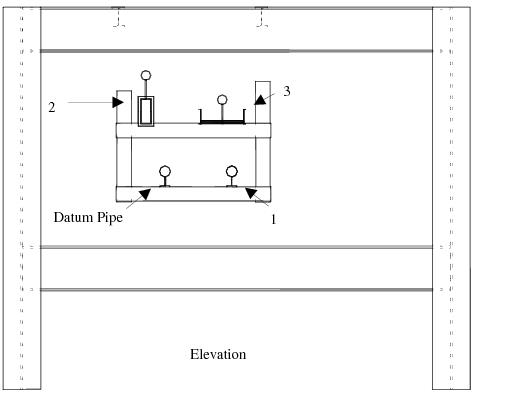
Select the size required. The application recreates the support using the dimensions that are entered on the window. Try this by selecting option 4, “152 x 89 Channel Internally Welded”. The view is then as shown in
Figure 2:9.: Design screen 5
.
Figure 2:9.
Design screen 5
1974 to current year.
AVEVA Solutions Limited and its subsidiaries. All rights reserved.