Multi-Discipline Supports
User Guide
Using the MDS Application : Create Support
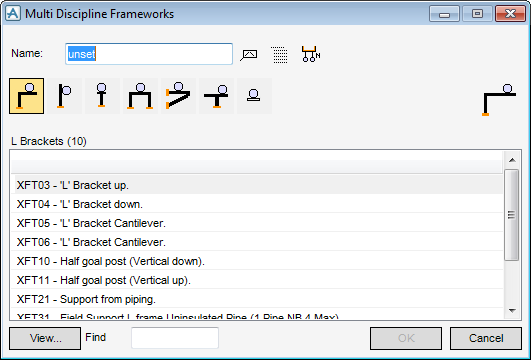
To create a support, on the Supports tab, in the Create group, click Framework to display the Multi Discipline Frameworks window.
 |
|
 |
|
 |
|
 |
|
 |
|
 |
|
 |
These groupings are set by the administrator. Refer to MDS Structure Defaults Form for further information.
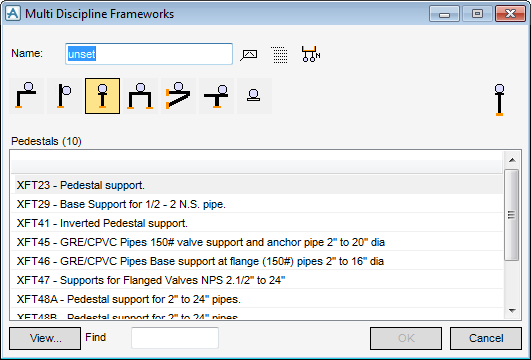
 icon. Group names are identified by the suffix, [1]. Hangers can be added to the main framework support group and detailed as one entire MDS support drawing.
Any available support which requires a different description to be displayed, or requires a different name to the standard name supplied, can be modified using the MDS Structure Defaults window. Refer to MDS Structure Defaults Form for further information.
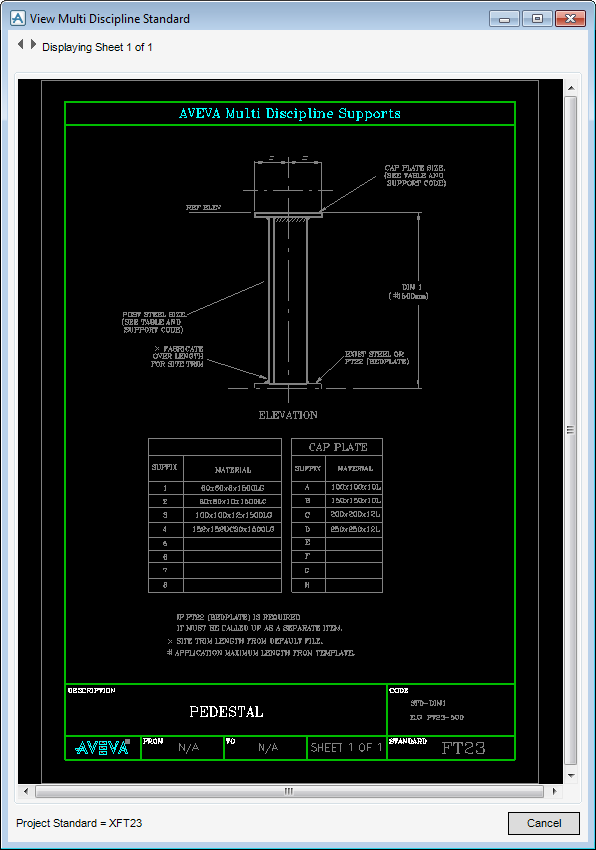
Clicking View displays the engineering drawing corresponding to the selected support.
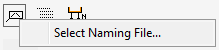
displays the MDS AutoNaming File window which allows the user to select a different AutoNaming file for the session or a different AutoNaming file set for the zone. Refer to MDS - Auto Naming for further information.
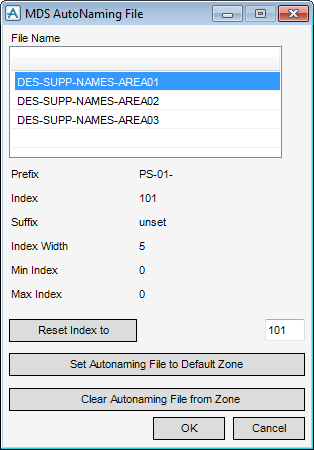
 on the Multi Discipline Frameworks window.
|
2.
|
Click OK. The type is selected and the window closes. Refer to the MDS Administrator Guide for further information.
|
|
1.
|
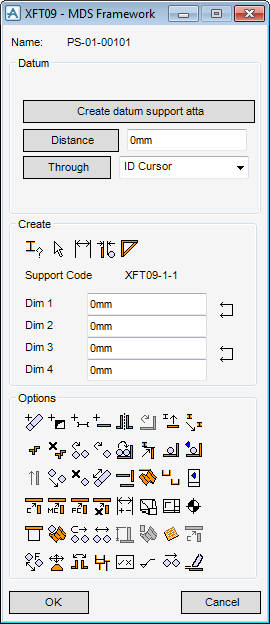
|
Figure 2:1.
|
See Modify a Support for a descriptive overview of the icon functions.
|
3.
|
Create the datum atta. This is the attachment on the first pipe that is associated with the support structure. This must be a pipe, not a cable rack or HVAC element.
|
To support cable rack or HVAC using the datum atta Create HVAC… or Create Rack… from the Create pull-down menu, or the equivalent icon in the MDS toolbar must be used. Where cable rack was created by the Cabling System application (and so is made up of cable tray (CTRAY) elements), a cable tray support element (CTSUPP) is automatically used in place of a support attachment element (ATTA).
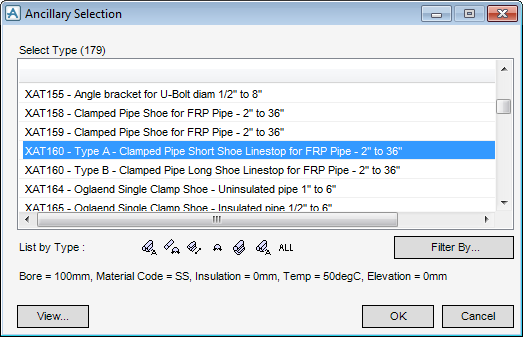
To create the datum atta select Create datum support atta at the top of the window. The user is presented with the cursor so that the user can identify a pipe. When the user has done this, the Ancillary Selection window containing a filtered list of all the available ancillaries at the selected pipe bore, is displayed (Figure 2:2.: Ancillary Selection window). These may be restricted for each framework type. For more information refer to the MDS Administrator Guide.
|
Figure 2:2.
|
|
4.
|
Select the ancillary XAT16 (Bolt on Shoe) from the window. Click OK. The application now creates the pipe shoe on the selected pipe and positions it at the previous component or branch start, with a graphical tag of Datum for easy recognition. Create datum support atta is deactivated.
|
|
1.
|
Distance , with a distance value placed in the text field next to it,
|
|
2.
|
any of the Through options. These include; Through ID Cursor, Through Back Mark, etc.
|
 on the XFT09 window.
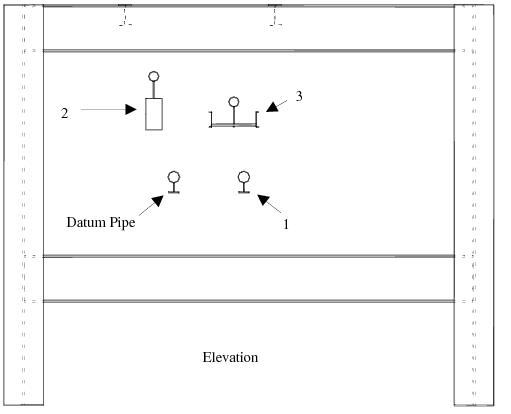
The example in Figure 2:3.: Design screen 1 shows two pipes, HVAC and cable rack elements added to the support.
|
Figure 2:3.
|
 .
.|
8.
|
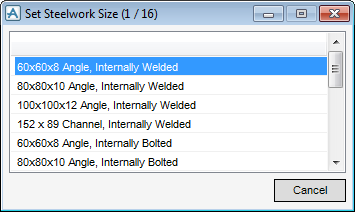
Select a template available from the list presented on the window (Figure 2:4.: Set Steelwork Size window). The template list shows all available templates. For this exercise, choose the second option, 80x80x10 Angle, Internally Welded.
|
|
Figure 2:4.
|
|
9.
|
Click Cancel to accept the selection and return to the XFT09 window (Figure 2:1.: XFT09 - MDS framework window).
|
