Diagrams
User Guide
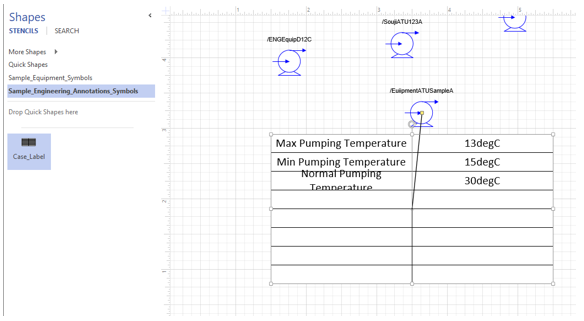
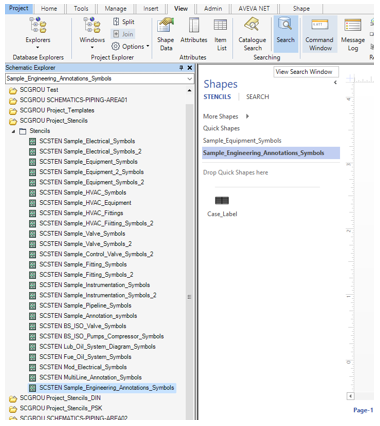
Case Attributes can be displayed using Annotation Labels. For this a new stencil will be available with the sample annotation label in default projects.
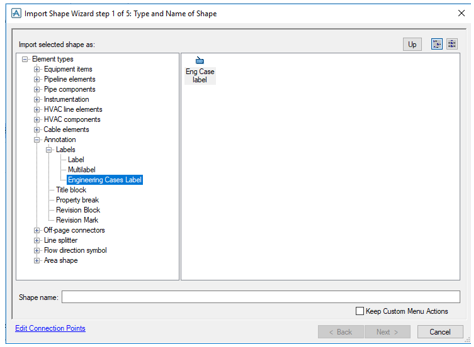
Create a new Annotation Shape using the Import Shape Wizard. The new element type is added under Annotation > Labels > Engineering Cases Label.
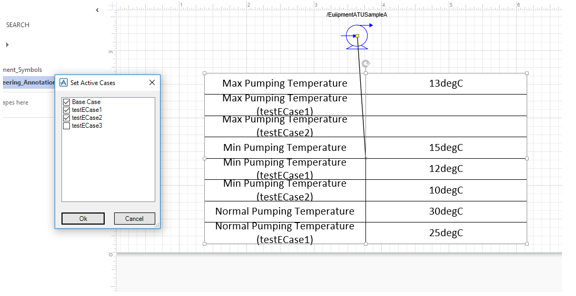
Drag and drop the annotation symbol from the Sample_Engineering_Annotations_Symbols stencil and associate the shape to the element using the association point. Once the association point is moved and set to the element, the engineering attributes with cases are displayed in the Annotation Label.