Diagrams
User Guide
Diagrams : Working with Diagrams : Cases
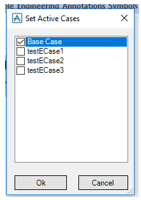
Go to Manage > Set Active Cases where all the cases created in Engineering are listed. By default the base case is checked. Depending on the selected cases the annotation displays the attributes of the cases.
The Set Active Cases finction is by default disabled. It is enabled on opening the drawing.

In Diagrams link the element, which is created in Engineering, to the Schematic database using the Compare/Update/Link available in the Manage tab.
Click Options > Create to create a new configuration of the same type of element which was created in Engineering.
Then select the created configuration in the available drop down list that contains all the elements in the Compare Update window.

Now the element created in the Engineering database is available. Use the Update Database option to link the elements.
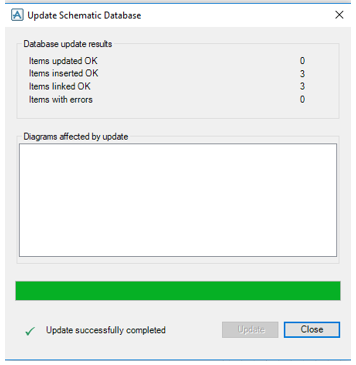

The linking is done but the element is not associated to any shape. In order to associate to the shape, in the Project Explorer, navigate to the unassigned items.
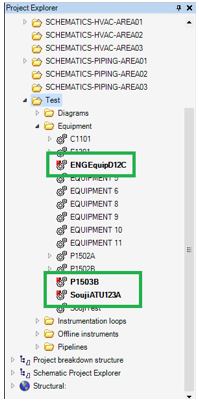
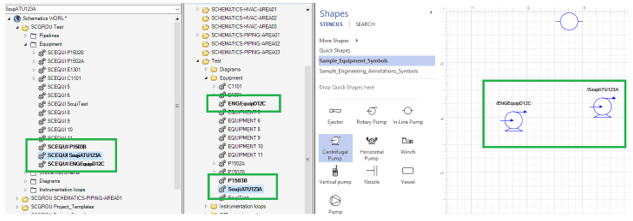
Use the Shift Key to drag and drop the shape that should be associate with the unassigned item. A new Schematic database element is created in the Schematic Explorer.
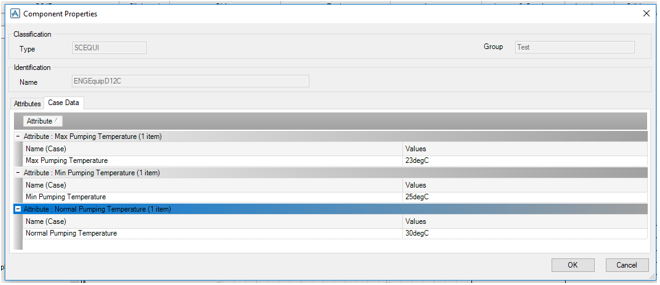
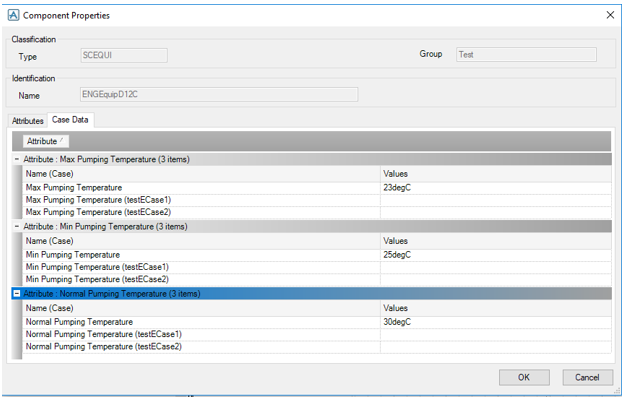
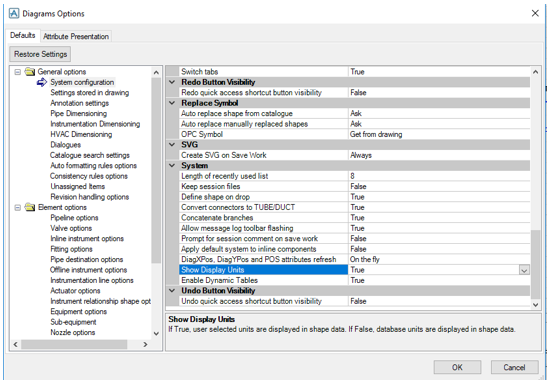
Go to Component Properties in the Context Sensitive menu to display the Engineering attributes of the linked element. The option is enabled depending on the settings in Diagrams Options.
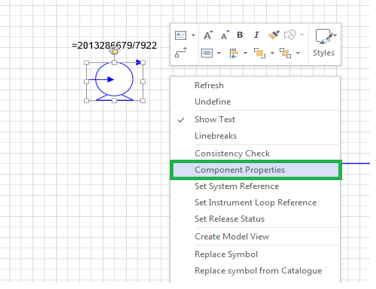
Click on the Component Properties. A window with two tabs is available. In the Case Data tab all the cases attributes are displayed.