AVEVA Surface Manager
User Guide
Tools and Functions
:
Displaying Models
:
Rendering Options
: Brep rendering options
Brep rendering options
•
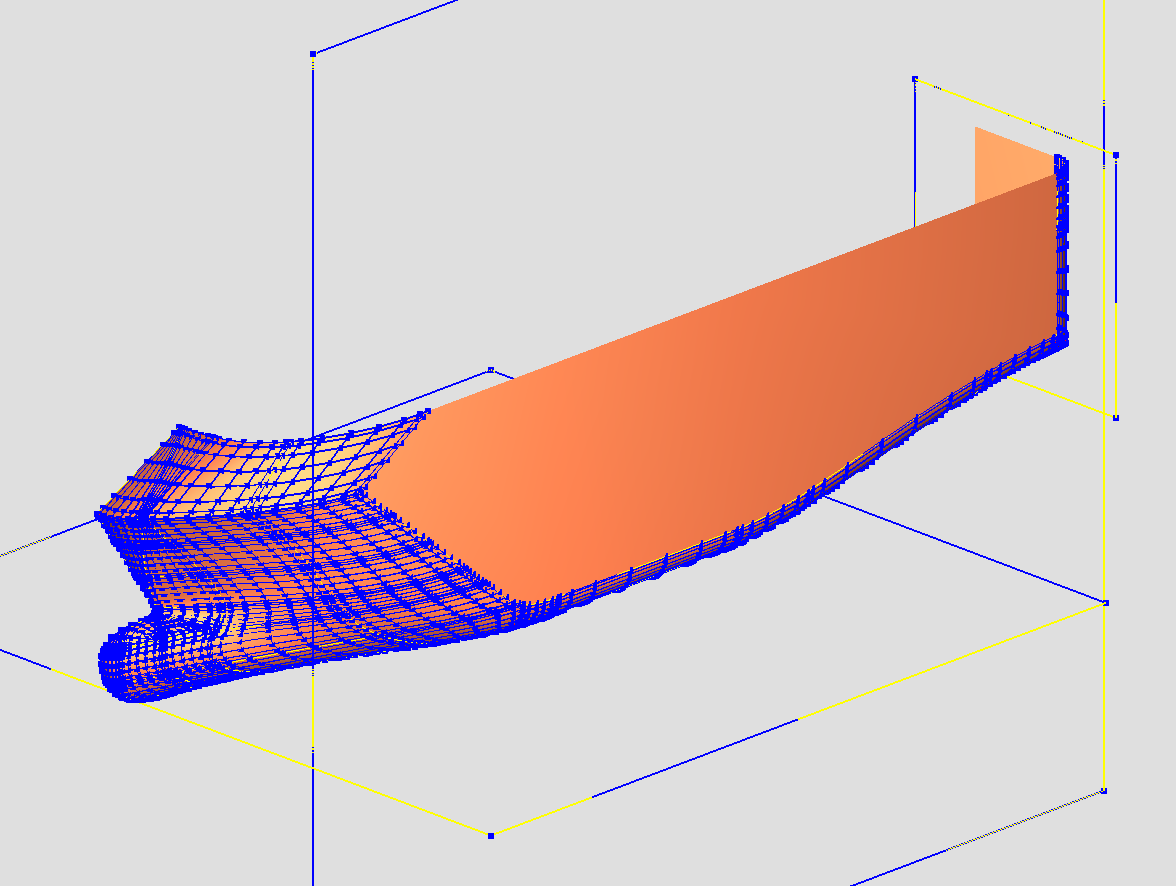
Show control points
With this option enabled the control points/control polygon of each face in the BREP model are drawn.
•
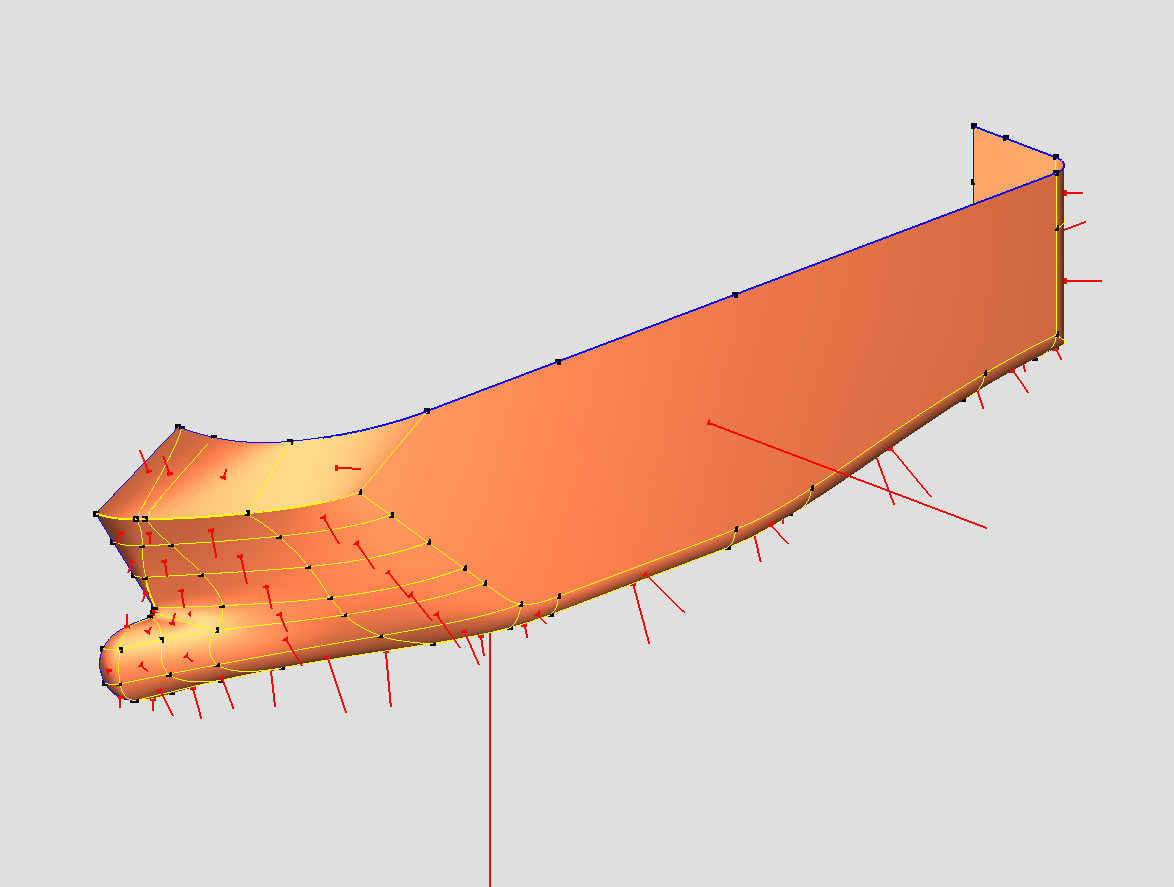
Show normals
With this option enabled the normal of each face in the BREP model is drawn.
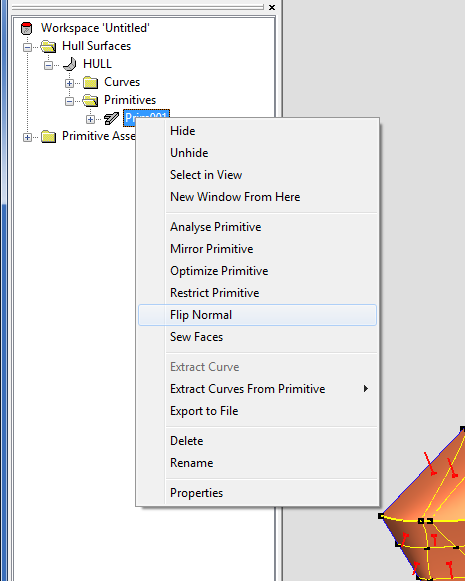
The direction of the normals can be changed by the command
Flip Normal
from the popup menu:
1974 to current year.
AVEVA Solutions Limited and its subsidiaries. All rights reserved.