Pipework Design
User Guide
Pipe Router
The Pipe Router utility is a rule-based tool which allows the user to automatically route multiple or single pipes. If non-orthogonal pipes are required, the user can create these manually, refer to Quick Pipe Routing for further information.
The user can constrain the route taken by the pipe(s) with the use of routing points, planes, rules and pipe racks and if required, modify the route once it has been created. Refer to Automatic Pipe Route Administration for further information.
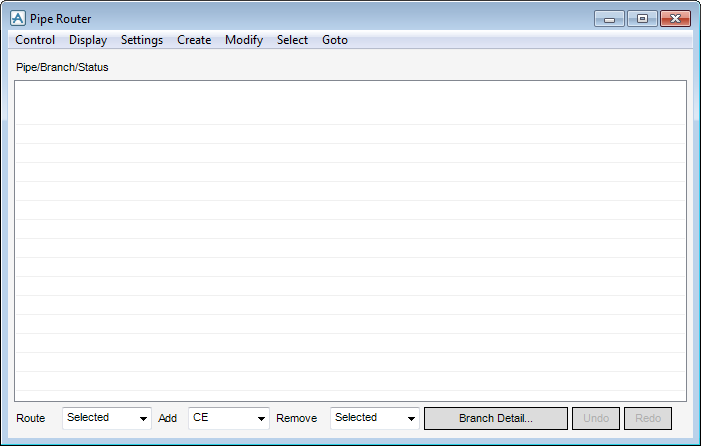
All the tasks that a user would carry out that are associated with the Pipe Router utility are initiated from a central Pipe Router window which acts as a task hub.
To open the Pipe Router window, on the Piping tab, in the Tools group, click Pipe Router to display the Pipe Router window.