Multi-Discipline Supports
User Guide
Trunnions
It is also possible to create just a trunnion branch (Create > Trunnion). This is a piece of tube (a new branch is created in the model), that can also have ancillaries associated with it (for example a u-bolt).
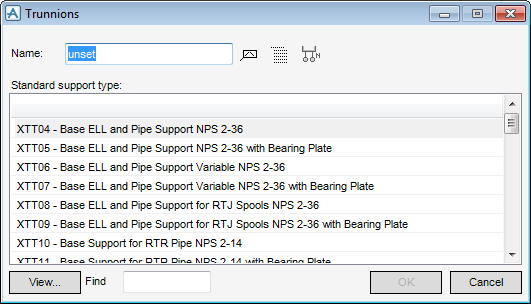
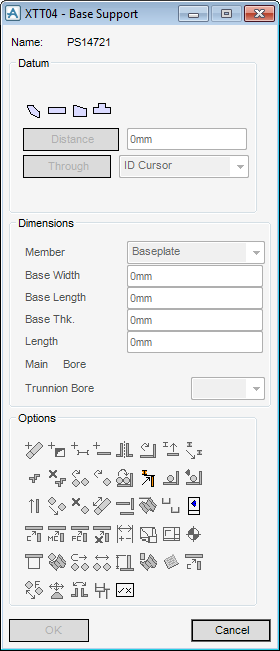
To create a standard trunnion, on the Supports tab, in the Create group, click Trunnions to display the Trunnions window.
 .
.At any time when the Trunnions window is displayed, the user can click View to see the engineering drawing corresponding to the selected support.
Refer to the MDS Trunnion Defaults window in the MDS Administrator Guide for further information.
|
•
|
|
•
|
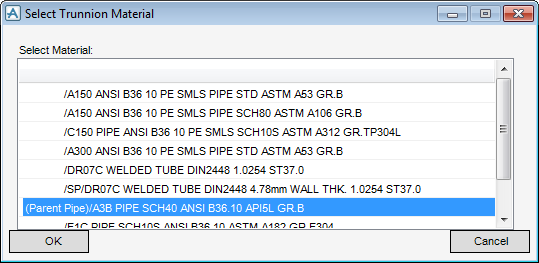
At the prompt, identify the steelwork or panel the user wants to support from. The Select Trunnion Material window is displayed.