Multi-Discipline Supports
User Guide
MDS Reports
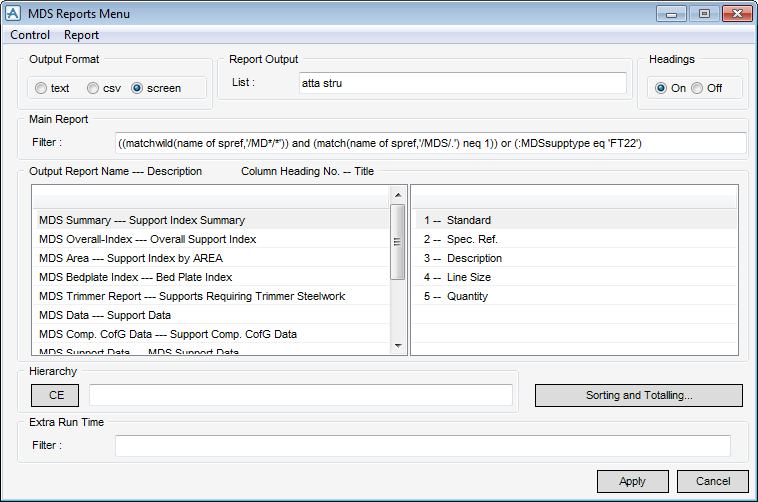
To create a basic report, on the Supports tab, in the Tools group, click Reports to display the MDS Reports Menu window.
|
2.
|
Click Apply. A default report on the whole of the current MDB is created.
|
|
4.
|
Optionally, click CE. A report is created for the currently selected element in the members list.
|
|
5.
|
Optionally, click on the text or csv buttons in the Output Format box. This changes the output mode format of the report accordingly and writes the report to a file in the %MDSREPORTS% environment path.
|
