Diagrams
User Guide
Diagrams : Getting Started : Creating Shapes and Adding to Stencils : Import Shape Wizard : Step 1: Selecting Type and Assigning a Name
|
Note:
|
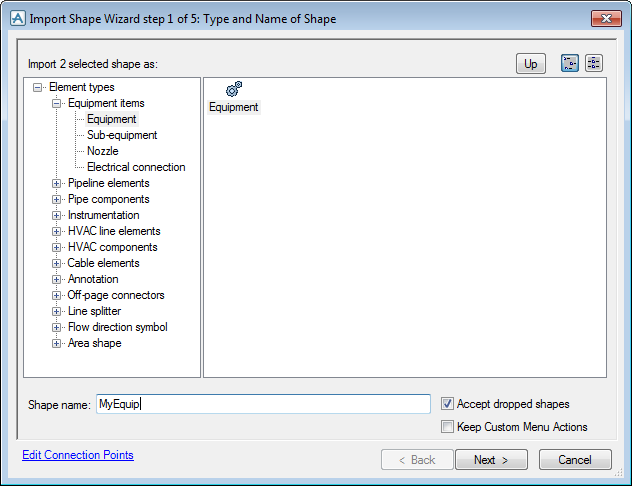
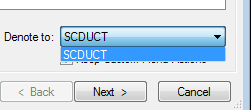
The checkbox Keep Custom Menu Actions is available for each shape. If checked the cells in Actions section of the shape sheet will be preserved.For piping and HVAC branches, a Denote to dropdown box will appear. This can be used to select the tube/duct type that a branch should be denoted to when dropped on to the drawing.
|
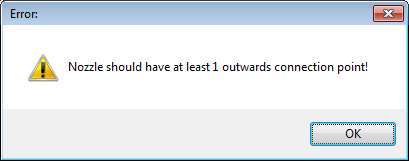
When the Next button is clicked, the wizard will continue to the next step. At this time, there is also a check that the shape has the correct number and direction of connection points.