Diagrams
User Guide
Diagrams : Working with Diagrams : Moving Diagrams and its Associated Elements to Group.
|
1.
|
|
2.
|
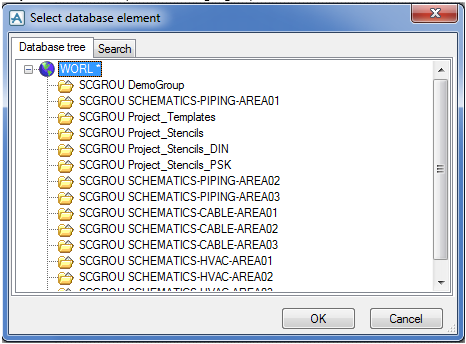
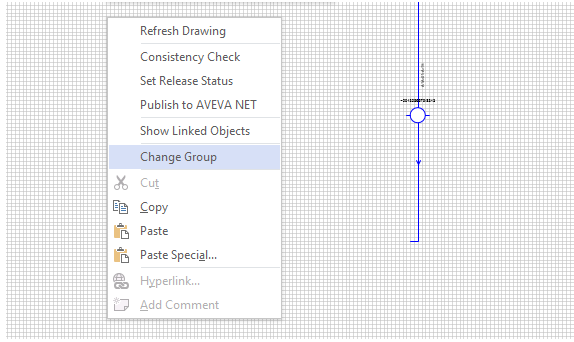
Select the target group either from the Database tree tab or the Search tab and click OK. The drawing and all the associated database elements in the schematic explorer are moved to the new selected group.
