Diagrams
User Guide
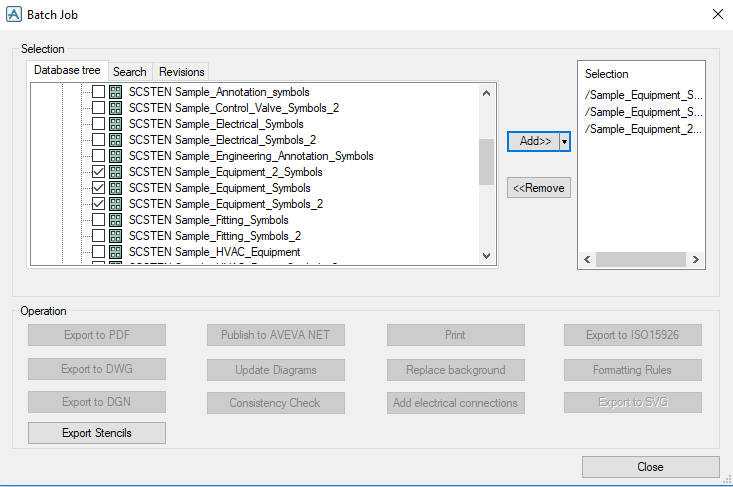
Add the selected stencils. The Export Stencils button is now enabled, by default disabled, and all other functions for exporting stencils are disabled.
Click the Export Stencils button to choose the export location to where the selected symbols should be exported.
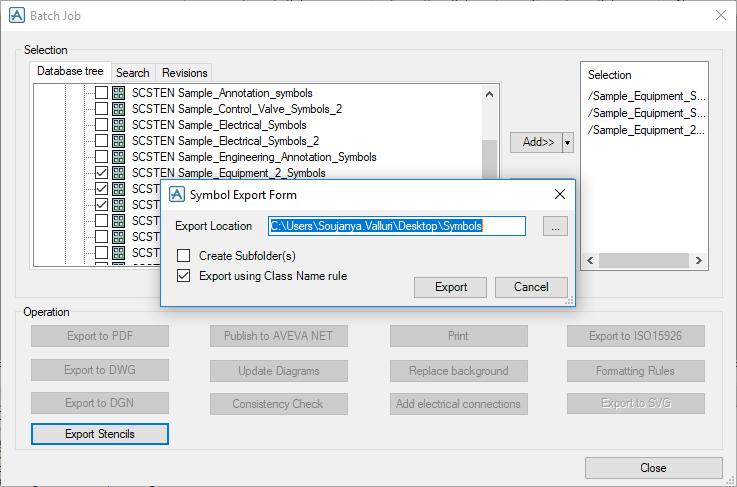
By default, the Export using Class Name rule checkbox is checked.
When the Export using Class Name rule checkbox is checked, symbols in the selected stencils are exported with class name.
Here the symbol Centrifugal Pump is exported with class name ‘Pump’.
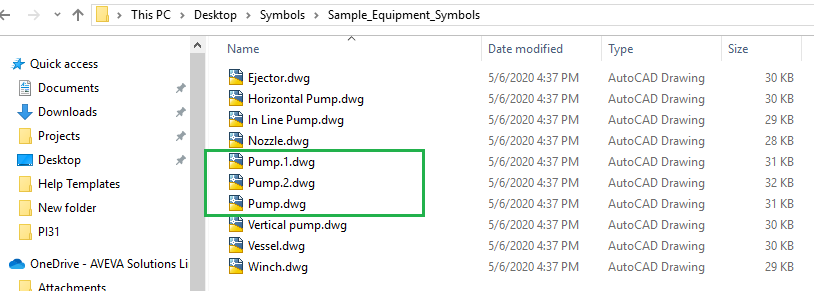
If the Export using Class Name rule checkbox is not checked the symbols in the selected stencils are exported with a Visio shape name.
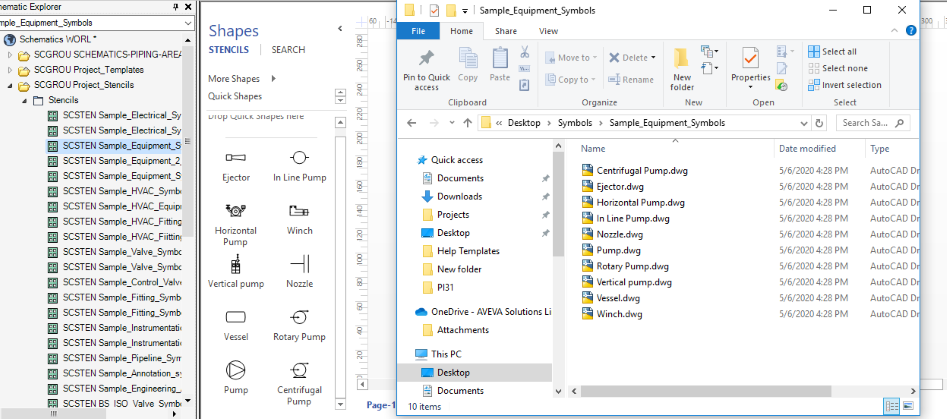
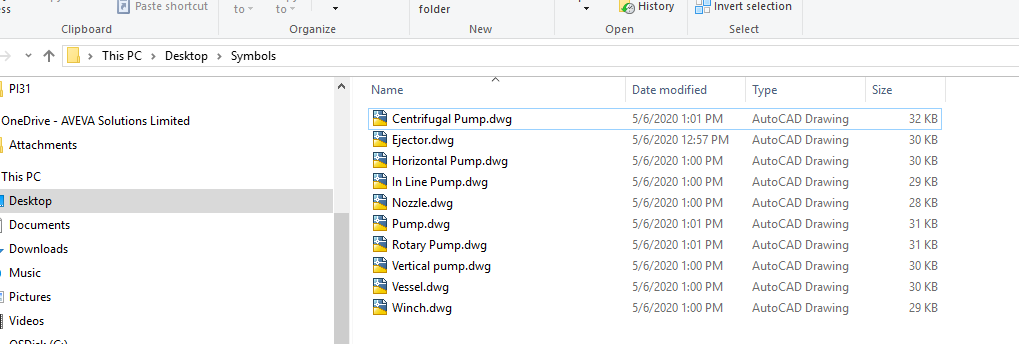
When the check box Create Subfolder(s) in the Batch Job window is checked all stencils are exported to one folder in the selected location and the folder name will be the selected stencil name.

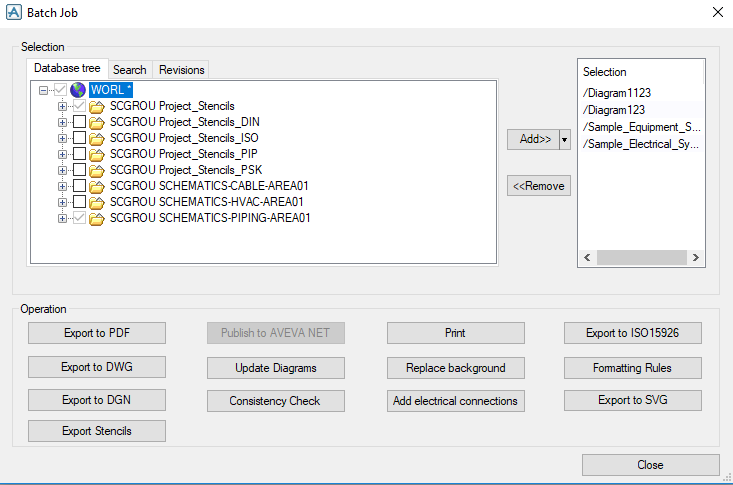
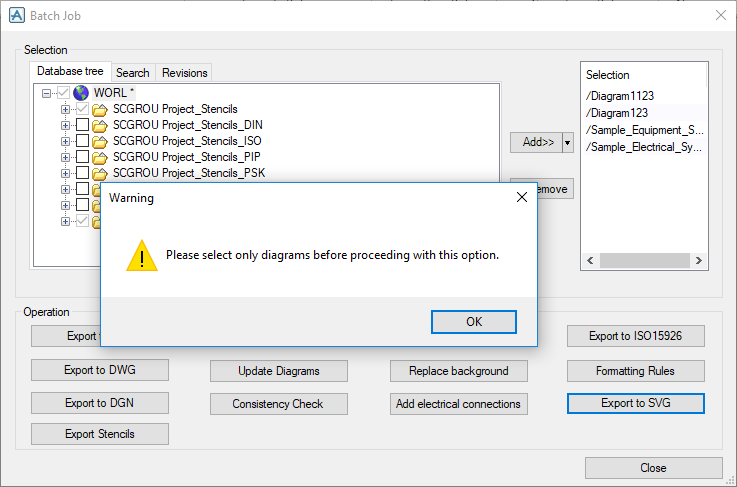
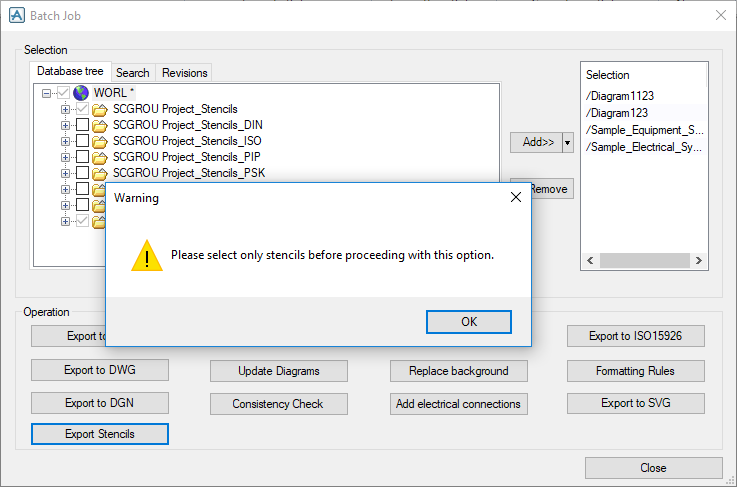
Click any button, depending on their functionality, and then click OK to select only diagram or stencil in the new window.
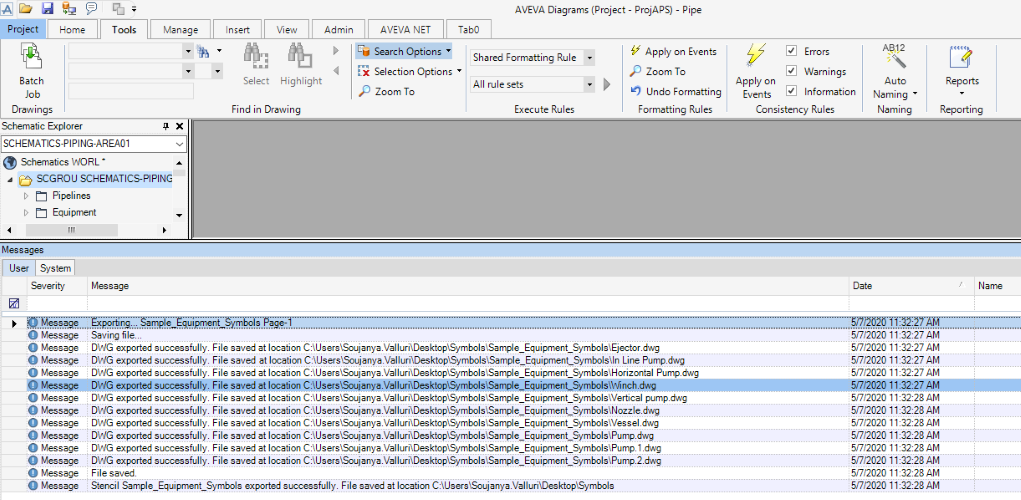
Messages are displayed in the Message Log after exporting each stencil.