Diagrams
User Guide
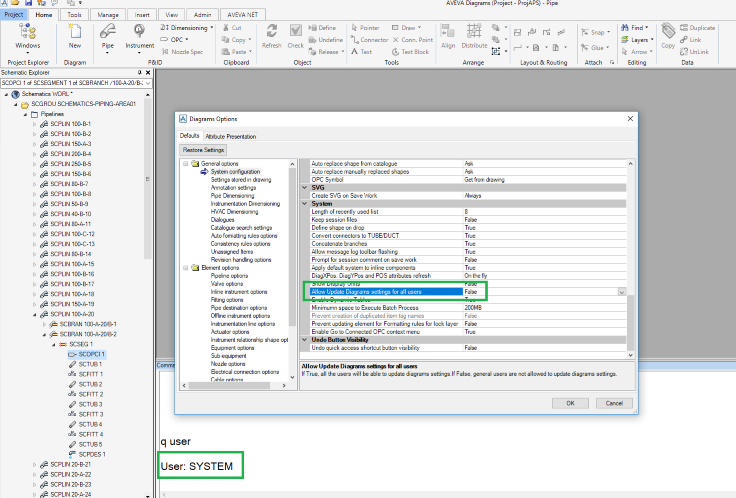
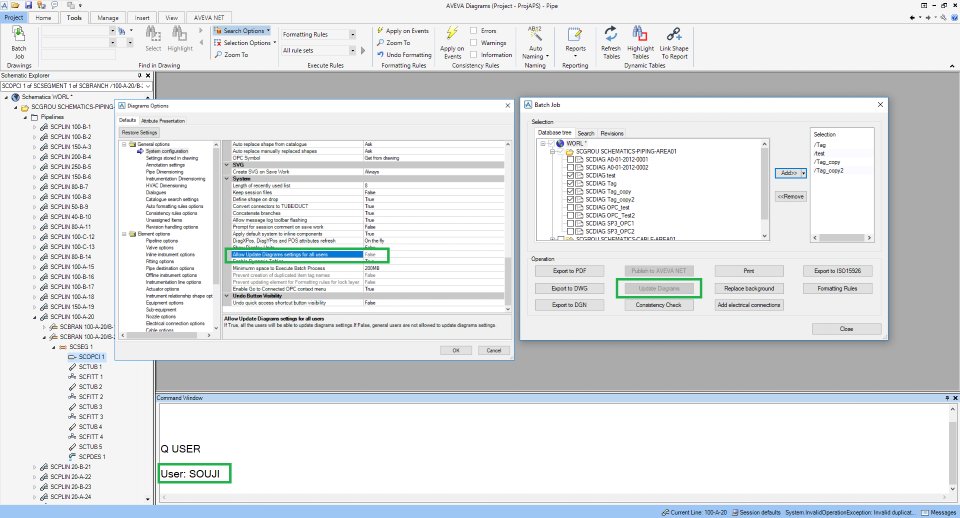
The option Allow Update Diagrams settings for all users can be found in Diagrams Options > General options > System Configuration. This option is by default set to False.

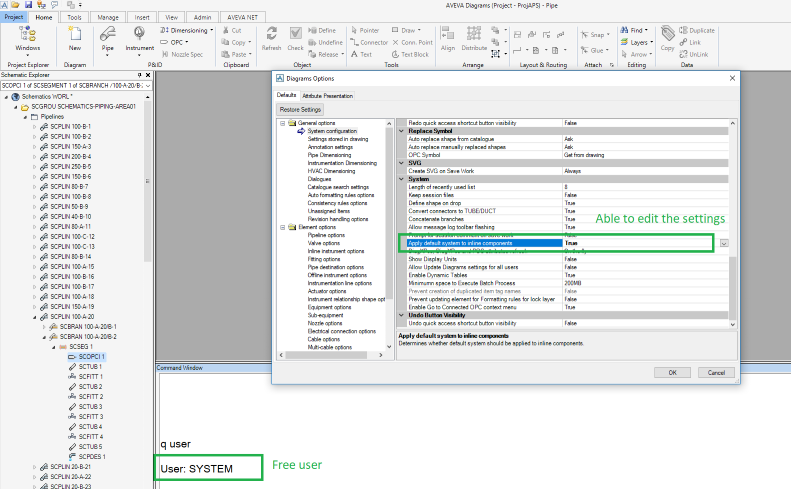
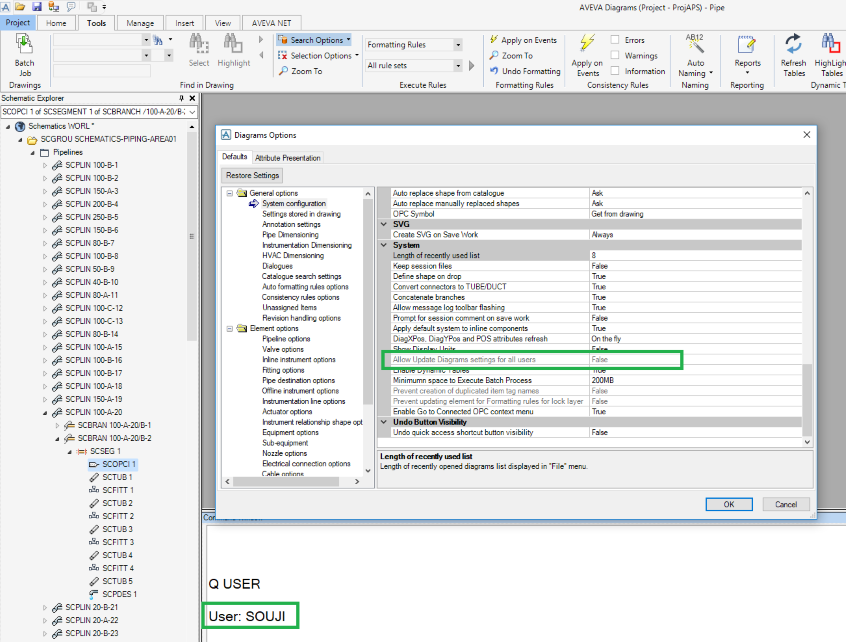
The admin user sets the Allow Update Diagrams settings option to True for all users and when the general user logs in to the Diagrams application the general user can update the diagrams using the Update button in the Batch form.
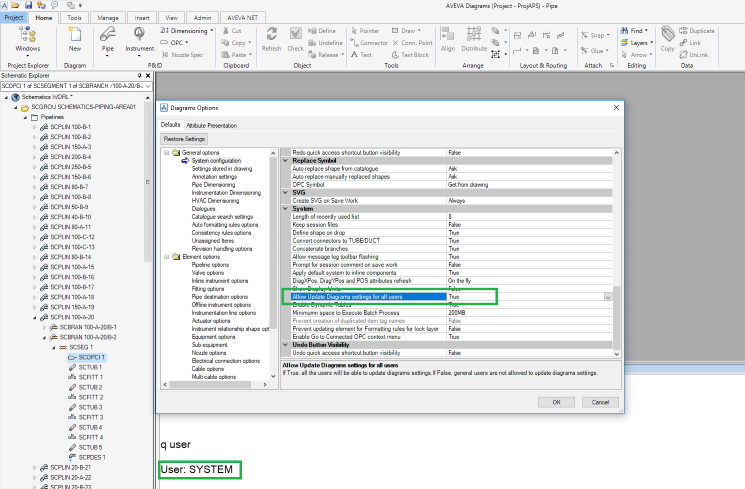
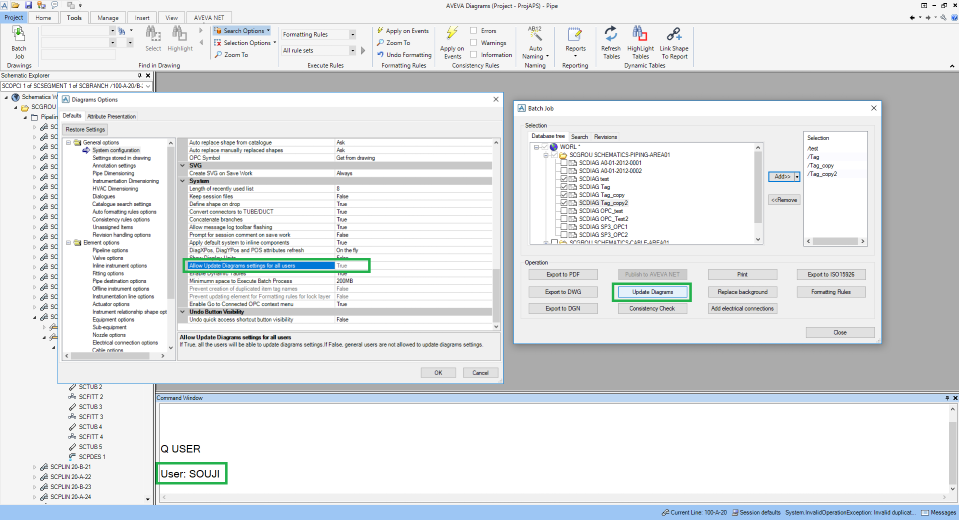
If the admin user sets the Allow Update Diagrams settings for all users option to False and the general user logs in to the Diagrams application the general user cannot update the diagrams and the Update button in the Batch form will be disabled.
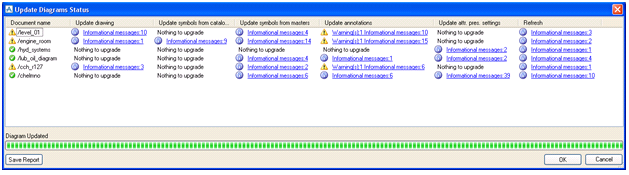
After clicking the Update! button the system will start updating the diagrams. Each column corresponds to an according update option. There is one more extra column called Update drawing. This option is obligatory to execute. It will upgrade the shapes to the newest versions.
 .
.
|
Figure 10:11.
|
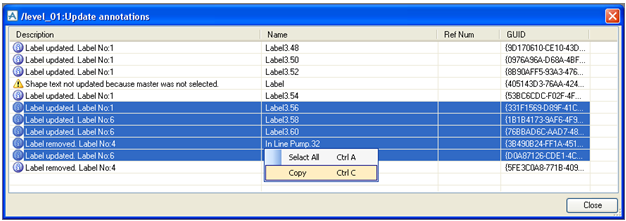
Information can be selected and copied to the clipboard. To save the report to a file, click the Save Report button on the Update Diagrams Status form.
